Choose a voice
Search the user-created library, open a recent voice, or train your own.
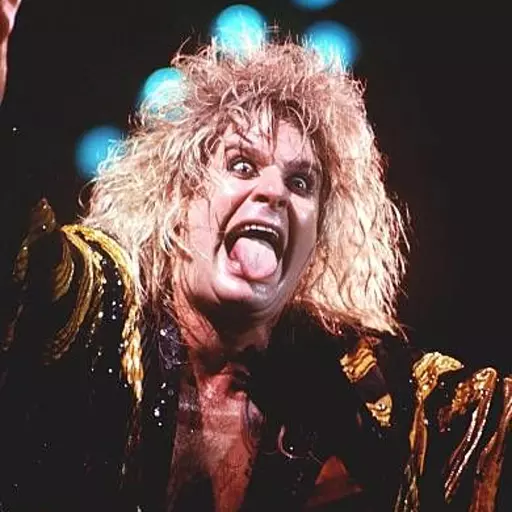
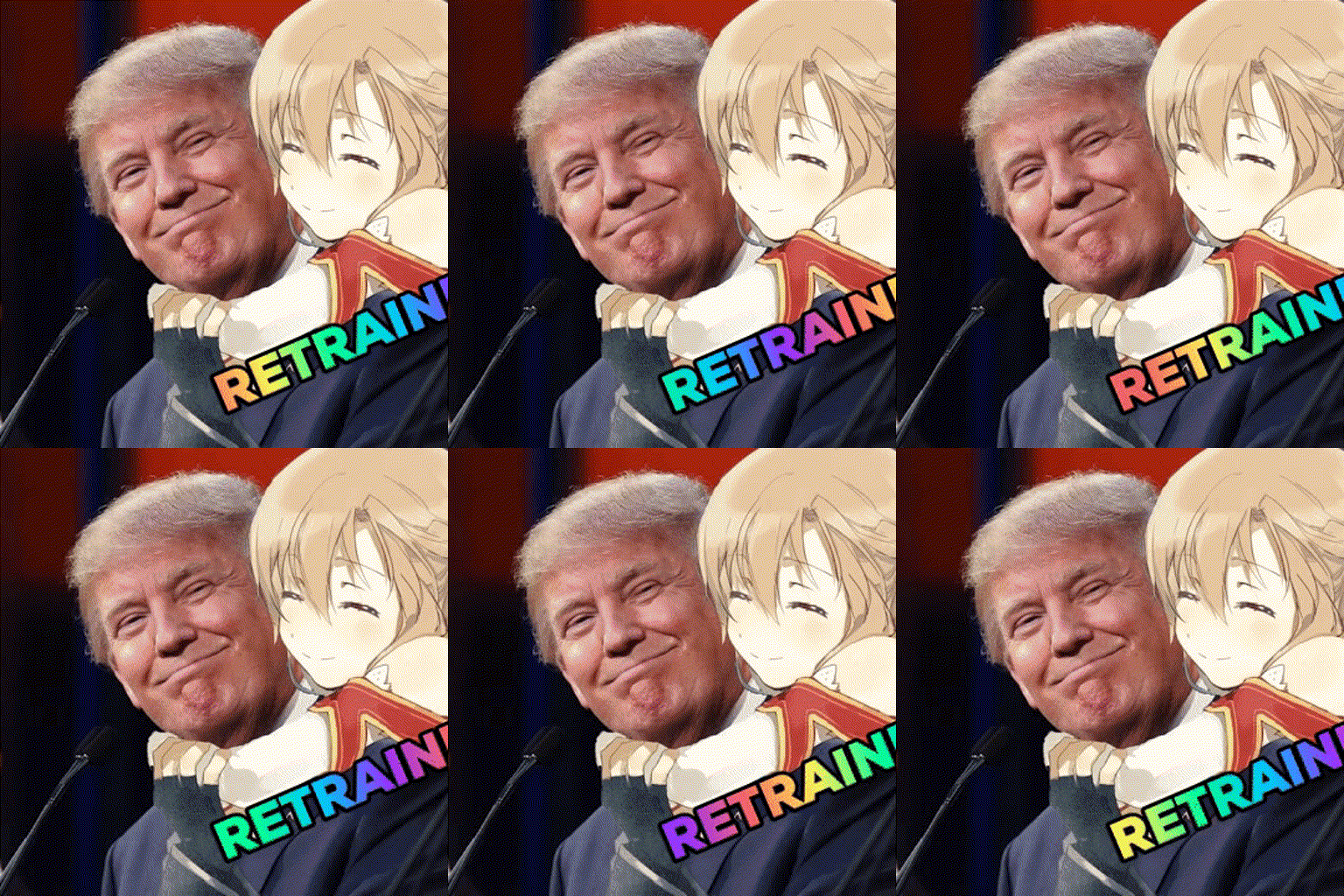
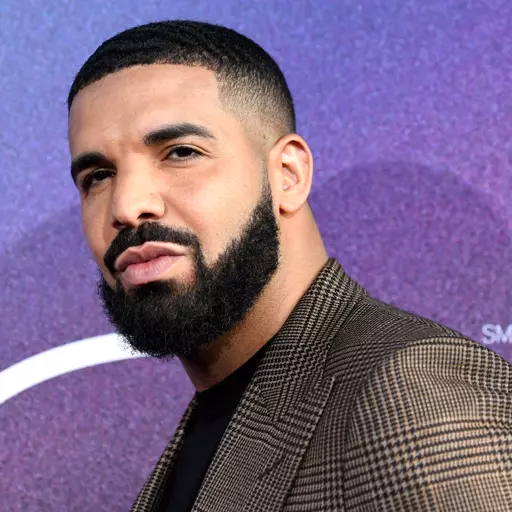
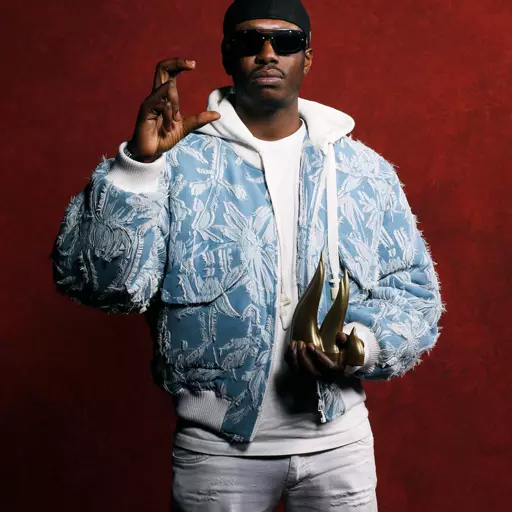

![AI Freddie Mercury (1986-88) [Revised] voice](https://static.voicedub.ai/models/26d2ee79-933c-437a-bc79-50a21be69b1c/26d2ee79-933c-437a-bc79-50a21be69b1c.webp)


![AI Chucky [Dead By Daylight] voice](https://static.voicedub.ai/models/12be8d37-caff-48d1-a721-0f618826e8a2/12be8d37-caff-48d1-a721-0f618826e8a2.webp)


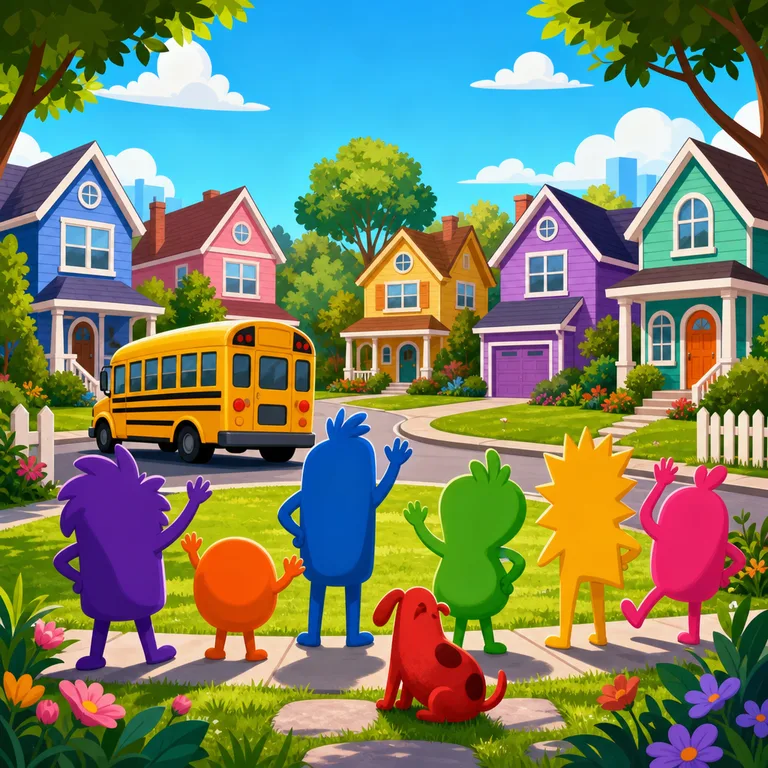
Cartoon Meme Voices
A playful collection of animated comedy and internet-favorite character voices built for expressive AI covers and dubs. Users can create funny song covers, dialogue swaps, parody-style scenes, and character-driven performances across pop, rap, rock, country, jazz, and more.













Animated Sitcom Characters
A collection of expressive animated sitcom character voices built for comedic timing, big reactions, and memorable TV-style delivery. Use these AI voices to create song covers, parody dubs, dialogue scenes, and character-driven edits in English.







![AI [OLD] Donald Trump voice](https://static.voicedub.ai/models/f7ede19e-e331-4489-9ecc-49b368d87e61/f7ede19e-e331-4489-9ecc-49b368d87e61.webp)


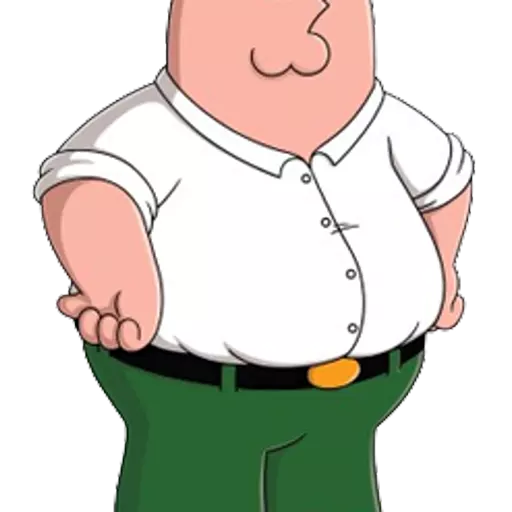
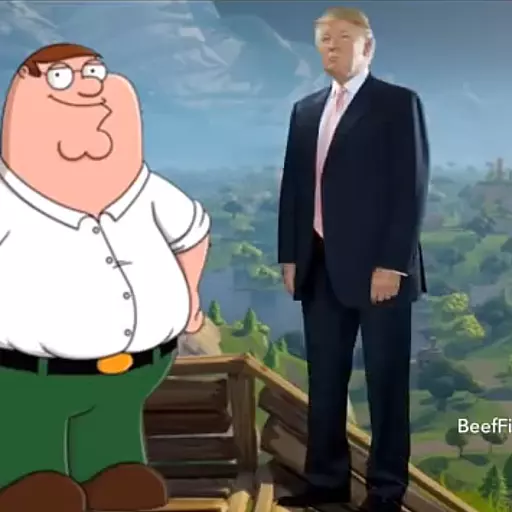
Peter Griffin AI Voices
A collection centered on the unmistakable Peter Griffin character style across classic, pilot, singing, and multilingual voice variations. Use these AI voices to create comedic song covers, parody-style dubs, dialogue swaps, and character-driven clips in English or Spanish.




![AI Walter Hartwell White [unfinished] voice](https://static.voicedub.ai/models/43e6f991-154b-458d-8a5b-c77d5d90f043/43e6f991-154b-458d-8a5b-c77d5d90f043.webp)




Dragon Ball Anime Voices
A high-energy collection of Dragon Ball-inspired character voices spanning heroes, rivals, villains, and fan-favorite supporting roles. Users can create AI song covers, dialogue dubs, parody scenes, and character-style edits in English and Japanese voices.



![AI Son Gohan (Adult) (孫 悟飯) (Masako Nozawa) [Dragon Ball Z] voice](https://static.voicedub.ai/models/17bb0fc5-7a3a-4959-9f9c-9735db104394/17bb0fc5-7a3a-4959-9f9c-9735db104394.gif)

![AI Classic Frieza ENG [Linda Young] (DBZ Funimation Dub) voice](https://static.voicedub.ai/models/6ee62c34-93c0-4ad1-a761-b3e9cc582192/6ee62c34-93c0-4ad1-a761-b3e9cc582192.gif)

![AI Broly [Calm/Whispering] (DBS-ENG) voice](https://static.voicedub.ai/models/8113e801-7254-4124-a79f-b73d94c3c4aa/8113e801-7254-4124-a79f-b73d94c3c4aa.gif)



Dragon Ball Voices
This collection brings together Dragon Ball-style character voices across English, Japanese, and French, from heroic leads to villains, narrators, mentors, and parody-inspired performances. Users can create AI covers and dubs with high-energy anime delivery, dramatic battle lines, comedic scenes, and character-driven singing.
![AI Prince Vegeta [ENG Dub] (Dragon Ball) voice](https://static.voicedub.ai/models/3b10ccf9-fa06-4838-a6c9-ed4ea94eb4a7/3b10ccf9-fa06-4838-a6c9-ed4ea94eb4a7.webp)


![AI DBZ Narrator [English/Funimation] voice](https://static.voicedub.ai/models/b0dd16e2-c929-495d-981c-f3d39f9460db/b0dd16e2-c929-495d-981c-f3d39f9460db.gif)


![AI Vegeta (ベジータ) (Ryō Horikawa) [Dragon Ball Z] voice](https://static.voicedub.ai/models/0ae9df1d-7bf7-4364-93a1-dbacfae246ec/0ae9df1d-7bf7-4364-93a1-dbacfae246ec.gif)

![AI 12th Doctor - Peter Capaldi (Doctor Who) [40k] voice](https://static.voicedub.ai/models/d5a2db41-7d01-4ecc-a1aa-7b0267a35eaa/d5a2db41-7d01-4ecc-a1aa-7b0267a35eaa.gif)
![AI 12th Doctor - Peter Capaldi (Doctor Who) [48k] voice](https://static.voicedub.ai/models/670458cb-7485-425b-be39-cb38162835dc/670458cb-7485-425b-be39-cb38162835dc.webp)
![AI 10th Doctor - David Tennant (Doctor Who) [48k] voice](https://static.voicedub.ai/models/eb9209f3-e11d-4a23-8ee1-2759956498f5/eb9209f3-e11d-4a23-8ee1-2759956498f5.gif)
![AI 12th Doctor - Peter Capaldi (Doctor Who) [48k] [OLD] voice](https://static.voicedub.ai/models/19efdd63-dc3e-4274-b3cd-900cf98c33f8/19efdd63-dc3e-4274-b3cd-900cf98c33f8.webp)
![AI 11th Doctor - Matt Smith (Doctor Who) [48k] voice](https://static.voicedub.ai/models/573411a5-343a-4ef8-a3a9-e4c1da766f42/573411a5-343a-4ef8-a3a9-e4c1da766f42.gif)
Shonen Anime AI Voices
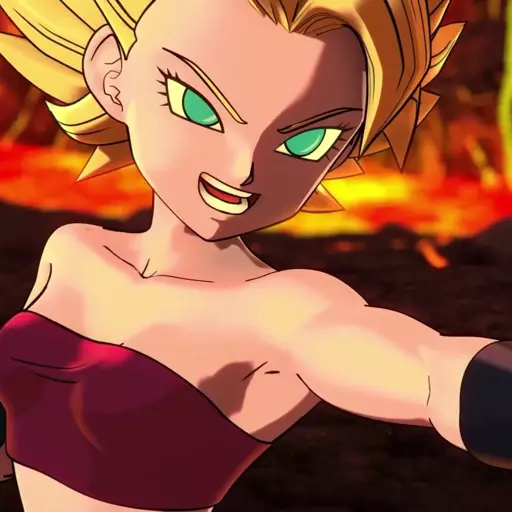
A high-energy collection of anime character voices inspired by iconic shonen fighters, rivals, androids, and heroes. Use these English and Japanese AI voices to create AI song covers, dialogue dubs, character scenes, and playful crossover edits.

![AI Chi-Chi [Retrained] (DB/DBZ/DBS) voice](https://static.voicedub.ai/models/89ac2b63-72c9-4bfc-9ff0-b0a7a3bc08fd/89ac2b63-72c9-4bfc-9ff0-b0a7a3bc08fd.gif)
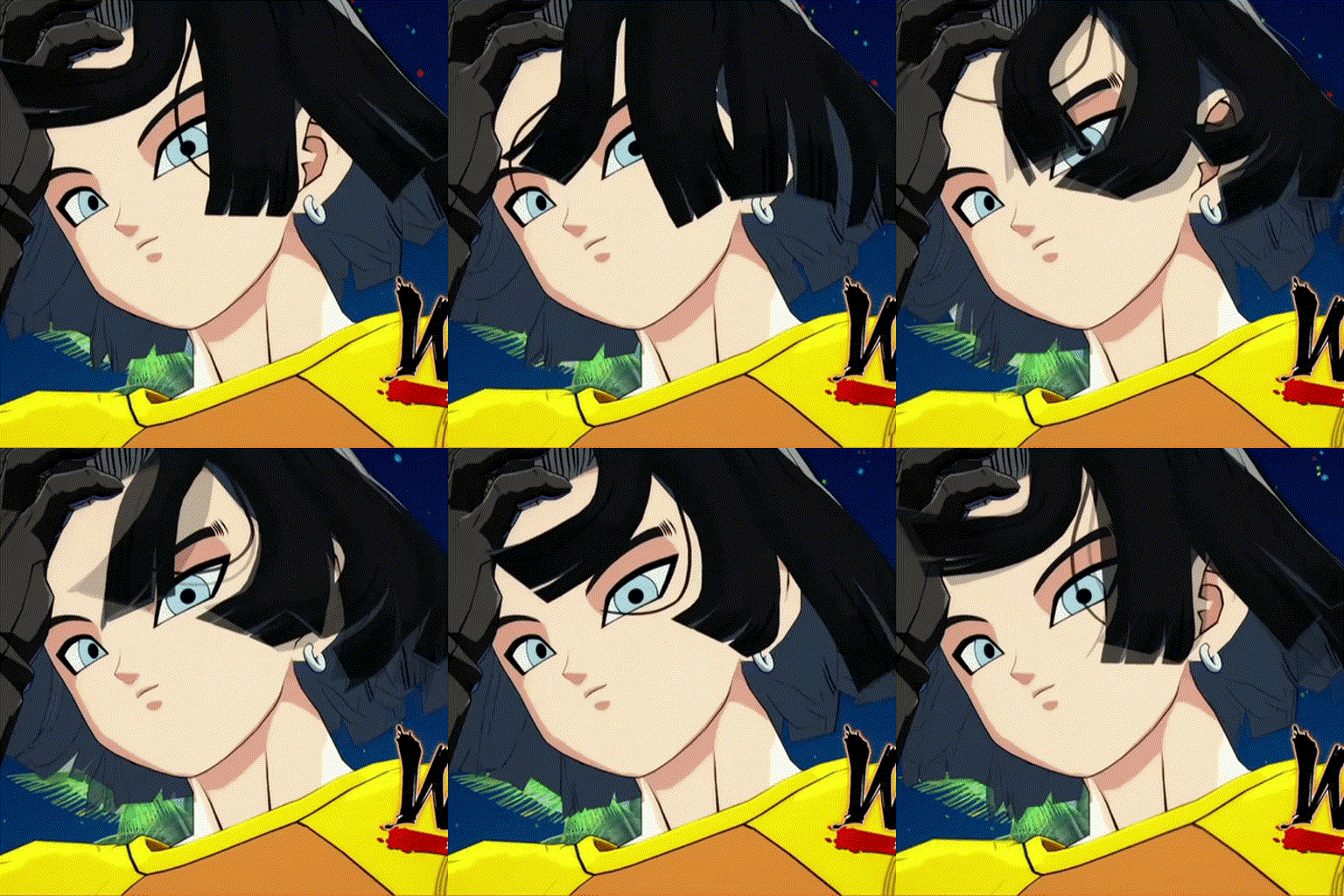

![AI Haruno Sakura (Nakamura Chie) - [forgot to add the link, so here it is again] voice](https://static.voicedub.ai/models/40b4c87a-9f10-443c-9eb1-f4be28239677/40b4c87a-9f10-443c-9eb1-f4be28239677.webp)

Helluva Boss Character Voices
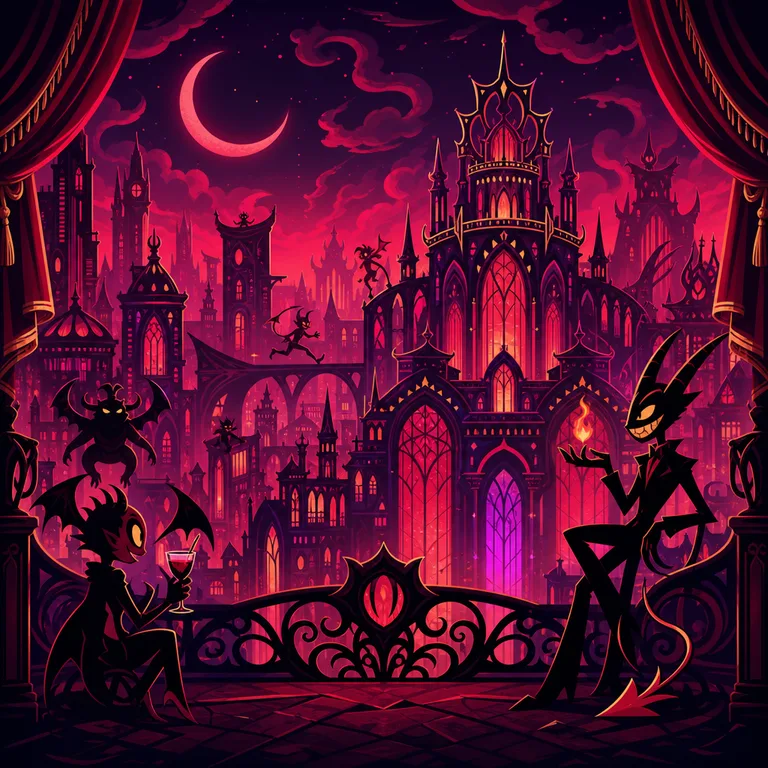
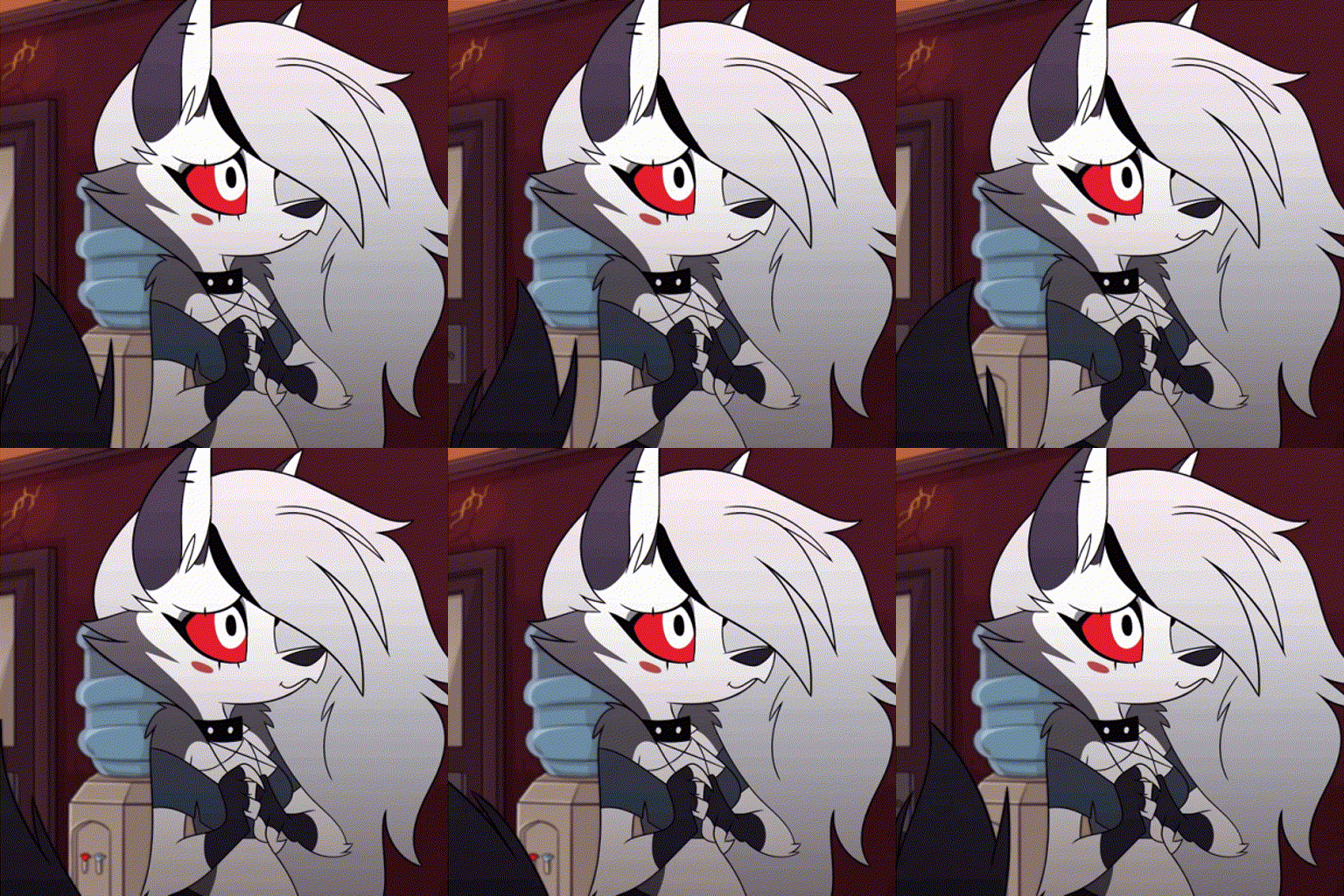
A collection of Helluva Boss character-inspired AI voices built around sharp comedy, theatrical demon-world energy, and expressive personality. Create AI covers, character dubs, dialogue scenes, and bilingual English or Spanish voice experiments with voices such as Loona, Moxxie, Fizzarolli, Ozzie, Octavia, and Stella Goetia.



Metal Gear Solid Voices
A tactical espionage collection built around the gravelly heroes, commanders, and allies of Metal Gear Solid. Use these English character voices to create AI song covers, dramatic dubs, parody dialogue, and cinematic speaking clips.




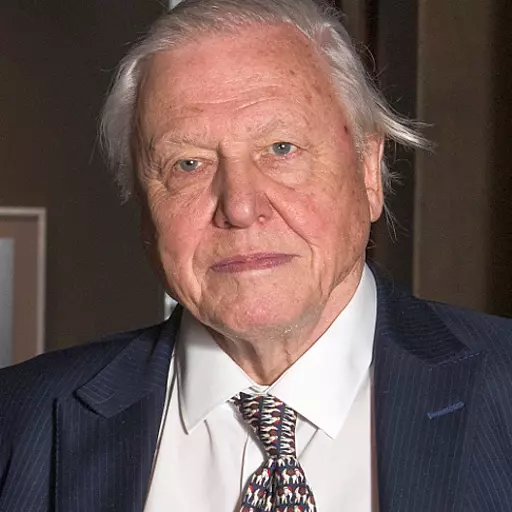
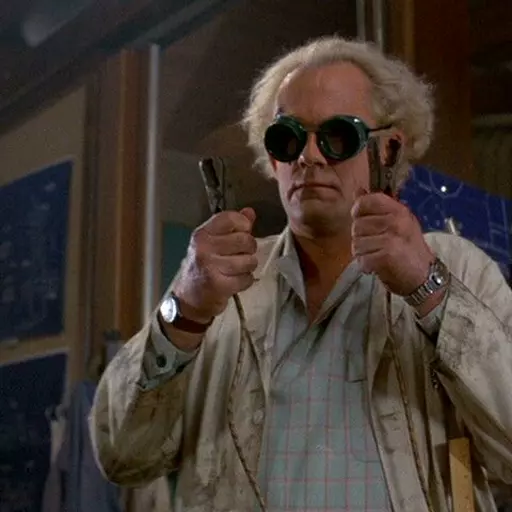

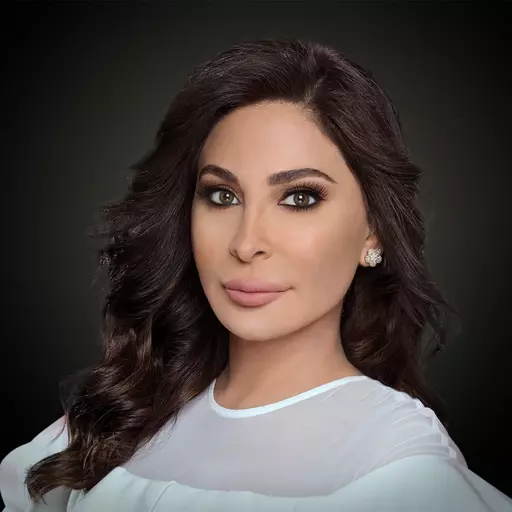

The library
A voice library built like an instrument
Every voice on VoiceDub is a trained model you can play any song through — searchable, filterable, and ready to render.
Signal path
From any song to any voice in three moves
Index
Browse the library your way
Every entry below is a live filter on the full library — jump straight to the corner of it you need.
Engine
Under the hood: a full vocal chain
Most tools stop at conversion. VoiceDub runs the whole chain a producer would.
SEPARATION
Vocals isolated from any mix.
Source separation pulls the performance out of a finished song, so you can convert tracks — not just dry vocal takes.
CONVERSION
A model per voice, not a filter.
Each library voice is an individually trained, creator-made model. Conversion reproduces tone and delivery instead of layering an effect.
PITCH / FORMANT
Melody preserved, timbre natural.
Covers keep the original melody note for note. Shift pitch in semitones for range mismatches and formants are handled for you.
MIXDOWN
Re-blended, not bolted on.
The converted vocal is mixed back over the original instrumental at render time, so the result sounds like a record, not a demo.
STEMS
Take the parts with you.
Download the finished mix — and on dubs made with your own cloned voice, grab the isolated converted vocal and keep full control of your own mixdown.
In the wild
What creators render here
The ledger
Most converters stop where covers start
A typical converter
- Raw converted vocal, mix it yourself
- Dry vocal input only
- One-size pitch shifting
- Conversion output only
- Desktop installs and GPU setup
FAQ
AI voice covers, answered
What is an AI voice cover?
An AI voice cover is a song re-sung by a voice model. VoiceDub separates the vocal from your track, converts it with the voice you picked, and mixes it back over the original instrumental — so the melody, timing, and energy of the performance stay intact.
How long does a cover take to make?
Usually under a minute from upload to finished cover. Long tracks and busy mixes can take a little longer to separate, but the whole pipeline runs automatically — there is nothing to configure.
What can I use as input?
Upload an audio file, paste a link to a song, or type text. Audio inputs go through vocal separation first; text inputs are sung or spoken directly by the voice model.
Do covers keep the original melody and key?
Yes. Conversion is pitch-aware, so the melody is preserved note for note. If the target voice sits in a different range, you can shift pitch in semitones and the formants stay natural.
Can I use my own voice?
Yes — train a clone of your own voice from a few minutes of clean recordings, then use it on any track in the library like any other voice.
Which languages are covered?
The library spans English, Spanish, Korean, Japanese, French, Russian, Thai, and many others, and conversion itself is language-agnostic: the model reproduces whatever the source vocal sings.
Can I download stems?
For dubs made with your own cloned voice, yes. When one of those runs with separation, you can download the isolated converted vocal alongside the full mix — useful if you want to do your own mixdown.
Do I need to install anything?
No. Everything — browsing voices, uploading, rendering, previewing — runs in the browser on any device.