![AI Minecraft Villager [Retrained | Villager News] voice](https://static.voicedub.ai/models/cebc1516-d306-4992-8e99-e6a425ee51ea/cebc1516-d306-4992-8e99-e6a425ee51ea.gif)

Minecraft Character Voices
5 voices · Pop · English
Minecraft Character Voices brings together 5 user-created AI voices across Pop so you can turn any song or text into an AI cover in seconds. Pick a voice, add a source, and VoiceDub swaps the vocals while keeping the original instrumental.
These voices work across English and many others, and covers finish in under a minute — completely in your browser, with no software to install.
The Minecraft Character Voices collection at a glance
- Voices
- 5 user-created AI voices
- Best for
- Pop
- Languages
- English
- Popularity
- #41 popular
What is the Minecraft Character Voices collection?
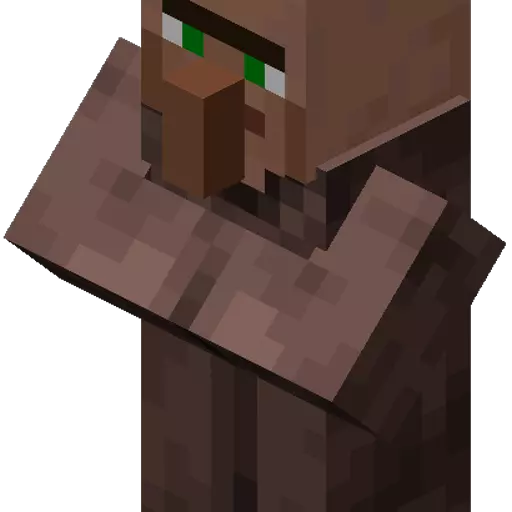
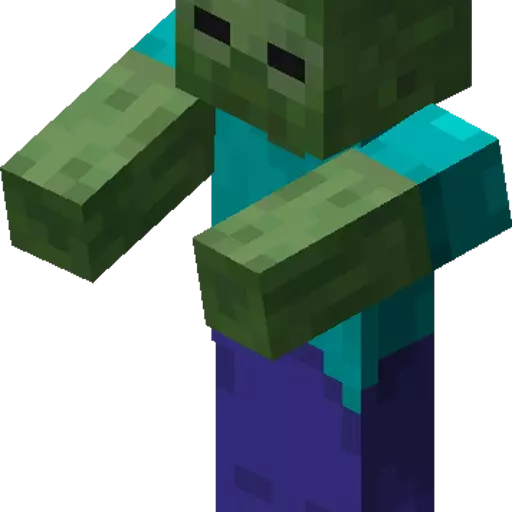
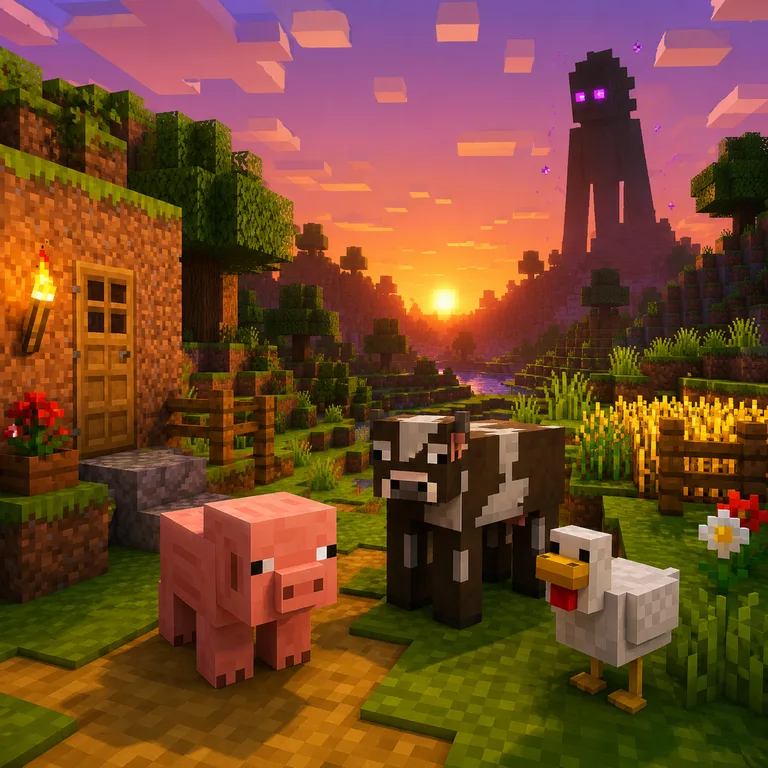
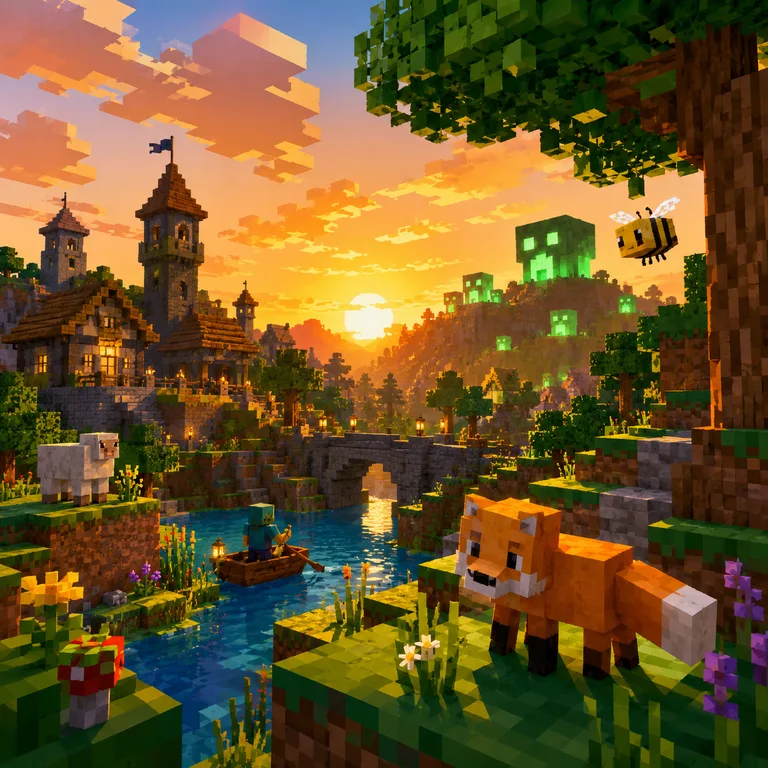
Minecraft Character Voices brings together familiar block-world personalities and sound-inspired character models with a shared sandbox gaming feel. The collection is built for users who want humorous, recognizable, and expressive voices for AI song covers, short dubs, parody scenes, and meme-style edits.
These voices suit creators making gaming content, animated skits, comedic voice swaps, and character-driven remixes. With a mix of singing, speaking, creature-like effects, and villager-style delivery, the collection gives projects a playful pixel-adventure tone while staying easy to browse and use.
How to make a cover with a Minecraft Character Voices voice
What you can create with the Minecraft Character Voices collection
From full song covers to text-to-speech, here's what the Minecraft Character Voices voices can do.
Genres and languages in the Minecraft Character Voices collection
Genres
Languages
Styles
Where the Minecraft Character Voices voices fit
The industries and contexts these voices are most at home in.
Use a Minecraft Character Voices voice vs. cloning your own
Two ways to make a cover on VoiceDub — pick the one that fits your project.
Everything you need around your cover
The Minecraft Character Voices collection is one part of the VoiceDub studio. Explore the rest of the toolkit.
Why make your cover with VoiceDub
Everything you need to turn an idea into a finished cover, in one browser tab.
Tips for the best Minecraft Character Voices cover
- Use a source with clear, isolated lead vocals for the most accurate result.
- Match the song's key to the voice's range, or nudge the pitch in Advanced settings if it sounds too high or low.
- Lean into Pop tracks — the styles these voices handle best.
- Start short: test a chorus first, then run the full song once you like the tone.
Minecraft Character Voices — frequently asked questions
What are Minecraft Character AI Voices best for?
They are best for gaming memes, parody dubs, AI song covers, animated skits, short-form videos, and playful character voice swaps with a blocky sandbox feel.
Which types of voices are included in this collection?
This collection includes villager-style voices, zombie and creeper-inspired character sounds, retrained villager variations, and classic game death-style vocal effects.
Can I use these voices for AI song covers?
Yes. The voices are suitable for AI song covers, especially comedic pop covers, meme remixes, and character-driven singing projects.
Do these voices work for speaking and dubbing?
Yes. Many voices in this collection are useful for spoken dubs, short sketches, reaction clips, game-style narration, and character dialogue.
What style should I expect from this collection?
Expect exaggerated, playful, game-inspired character tones with a mix of quirky speech, creature-like sounds, and humorous delivery.
Every voice on VoiceDub is an AI model created and uploaded by its users. VoiceDub is an independent platform and is not affiliated with, endorsed by, or sponsored by any third party. Any names or trademarks are the property of their respective owners.