Minecraft Mobs & Blocks
5 voices · Pop
Minecraft Mobs & Blocks brings together 5 user-created AI voices across Pop so you can turn any song or text into an AI cover in seconds. Pick a voice, add a source, and VoiceDub swaps the vocals while keeping the original instrumental.
Covers finish in under a minute — completely in your browser, with no software to install.
The Minecraft Mobs & Blocks collection at a glance
- Voices
- 5 user-created AI voices
- Best for
- Pop
- Languages
- English
- Popularity
- #123 popular
What is the Minecraft Mobs & Blocks collection?
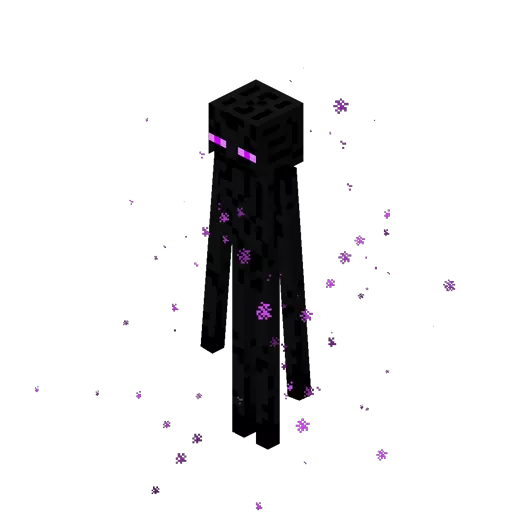
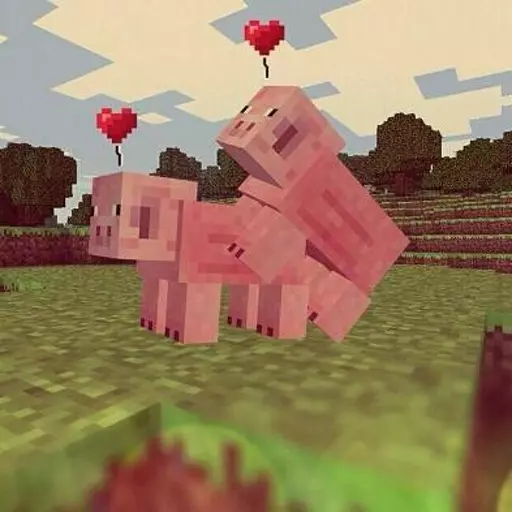
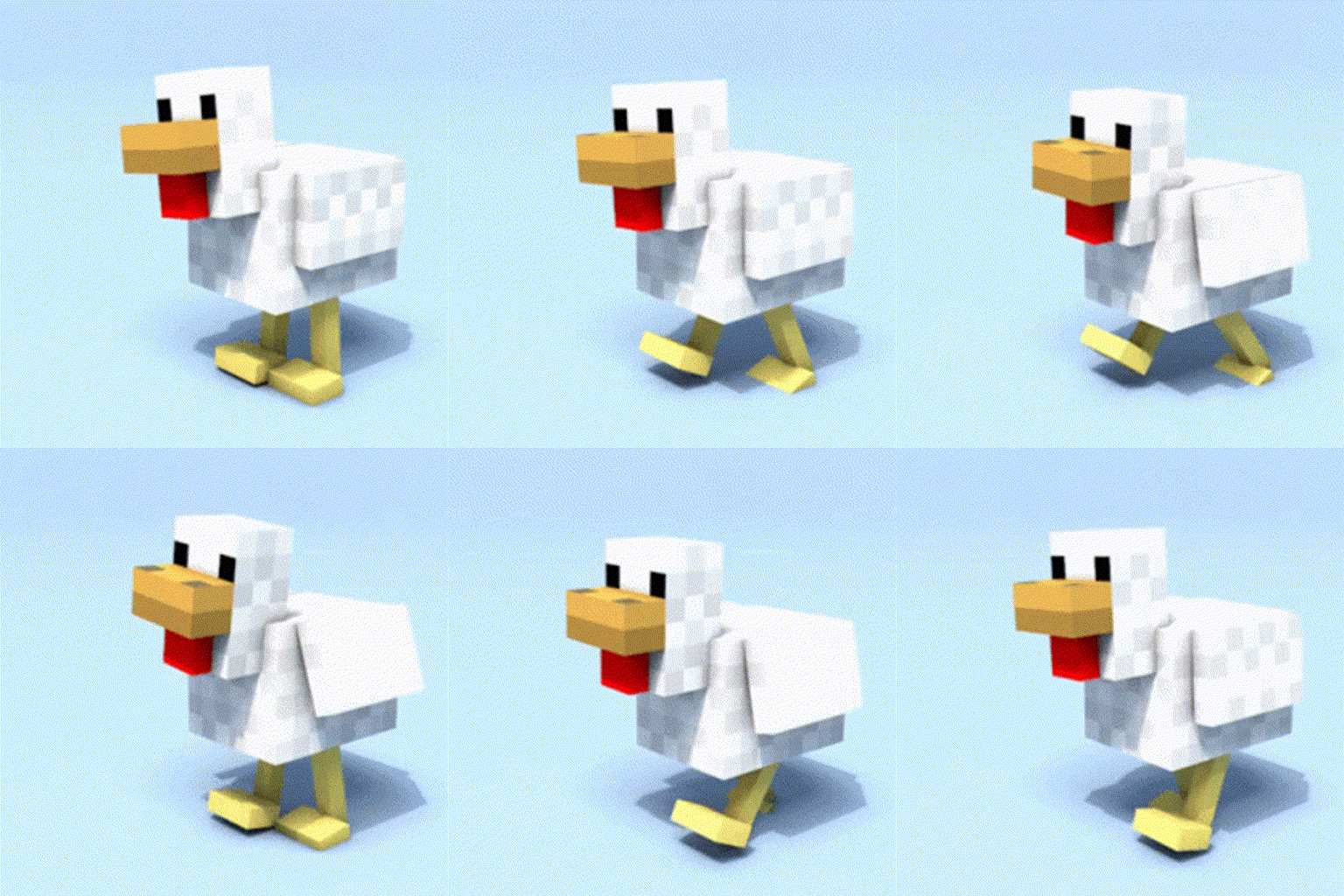
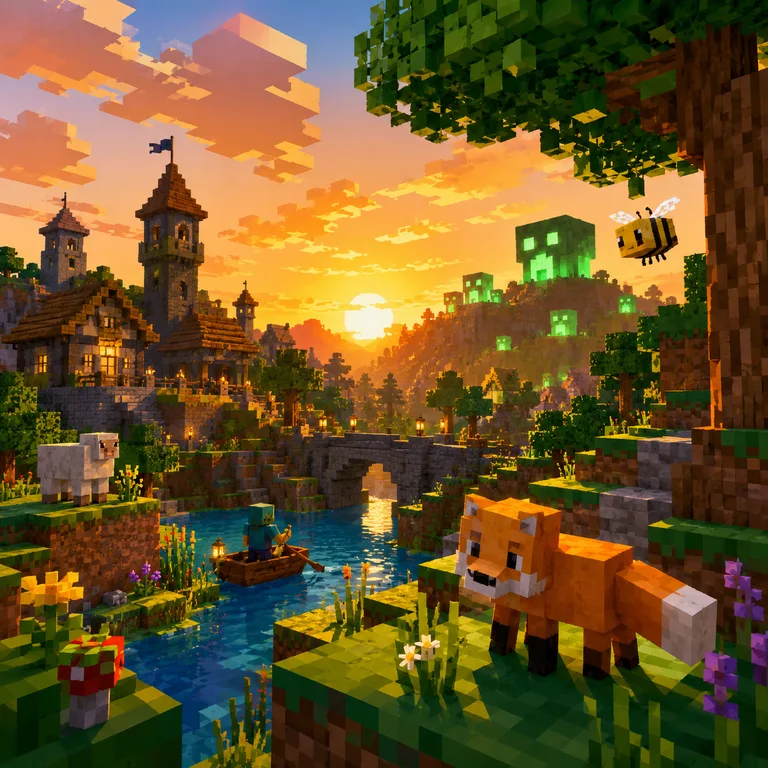
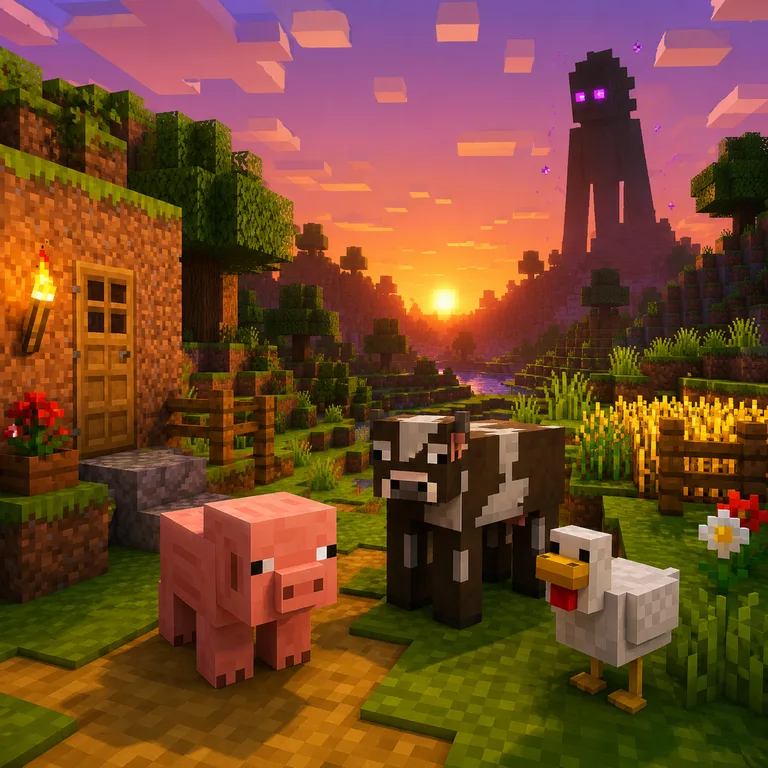
Minecraft Mobs & Blocks brings together blocky, game-inspired voices with a mix of creature noises, character energy, and recognizable sandbox charm. The collection is built for users who want AI covers and dubs that feel playful, absurd, spooky, or instantly meme-ready.
These voices work especially well for pop song covers, short skits, parody dubs, gaming edits, and character-driven clips. Whether you want a chicken-style vocal, a cow or pig performance, a creaky door moment, or a mysterious Enderman-like tone, this collection gives creators a fun toolkit for Minecraft-themed audio ideas.
How to make a cover with a Minecraft Mobs & Blocks voice
What you can create with the Minecraft Mobs & Blocks collection
From full song covers to text-to-speech, here's what the Minecraft Mobs & Blocks voices can do.
Genres and languages in the Minecraft Mobs & Blocks collection
Genres
Styles
Where the Minecraft Mobs & Blocks voices fit
The industries and contexts these voices are most at home in.
Use a Minecraft Mobs & Blocks voice vs. cloning your own
Two ways to make a cover on VoiceDub — pick the one that fits your project.
Everything you need around your cover
The Minecraft Mobs & Blocks collection is one part of the VoiceDub studio. Explore the rest of the toolkit.
Why make your cover with VoiceDub
Everything you need to turn an idea into a finished cover, in one browser tab.
Tips for the best Minecraft Mobs & Blocks cover
- Use a source with clear, isolated lead vocals for the most accurate result.
- Match the song's key to the voice's range, or nudge the pitch in Advanced settings if it sounds too high or low.
- Lean into Pop tracks — the styles these voices handle best.
- Start short: test a chorus first, then run the full song once you like the tone.
Minecraft Mobs & Blocks — frequently asked questions
What can I make with Minecraft Mobs & Blocks AI voices?
You can create AI song covers, short dubs, meme clips, parody scenes, gaming edits, and character-style voice moments using playful mob and block-inspired voices.
Which types of voices are in this collection?
This collection includes Minecraft-style voices inspired by creatures and objects such as pigs, cows, chickens, doors, and Enderman-like characters.
Are these voices good for AI song covers?
Yes. The collection is especially fun for pop covers, comedic remixes, novelty vocals, and exaggerated character performances.
Who is this collection best for?
It is best for gaming creators, meme editors, AI cover makers, and anyone who wants a funny or recognizable sandbox-game feel in their dubs and songs.
What style of content fits these voices best?
These voices fit humorous, chaotic, spooky, or cute content, especially short-form gaming videos, character skits, and playful music edits.
Every voice on VoiceDub is an AI model created and uploaded by its users. VoiceDub is an independent platform and is not affiliated with, endorsed by, or sponsored by any third party. Any names or trademarks are the property of their respective owners.